One-click video workflow
AI One-Click Viral Ad Generator
Turn a product reference, selling points, and target model into an editable short-form ad concept with shot-by-shot script, dialogue, subtitles, and a generation plan.
Direct answer
What is AI One-Click Viral Ad Generator?
One-click Viral Ad is for the question: what should this product video actually say and show? Provide the product, selling points, target model, language, and creative structure; the workflow builds an editable concept before final video generation.
Evidence from the product
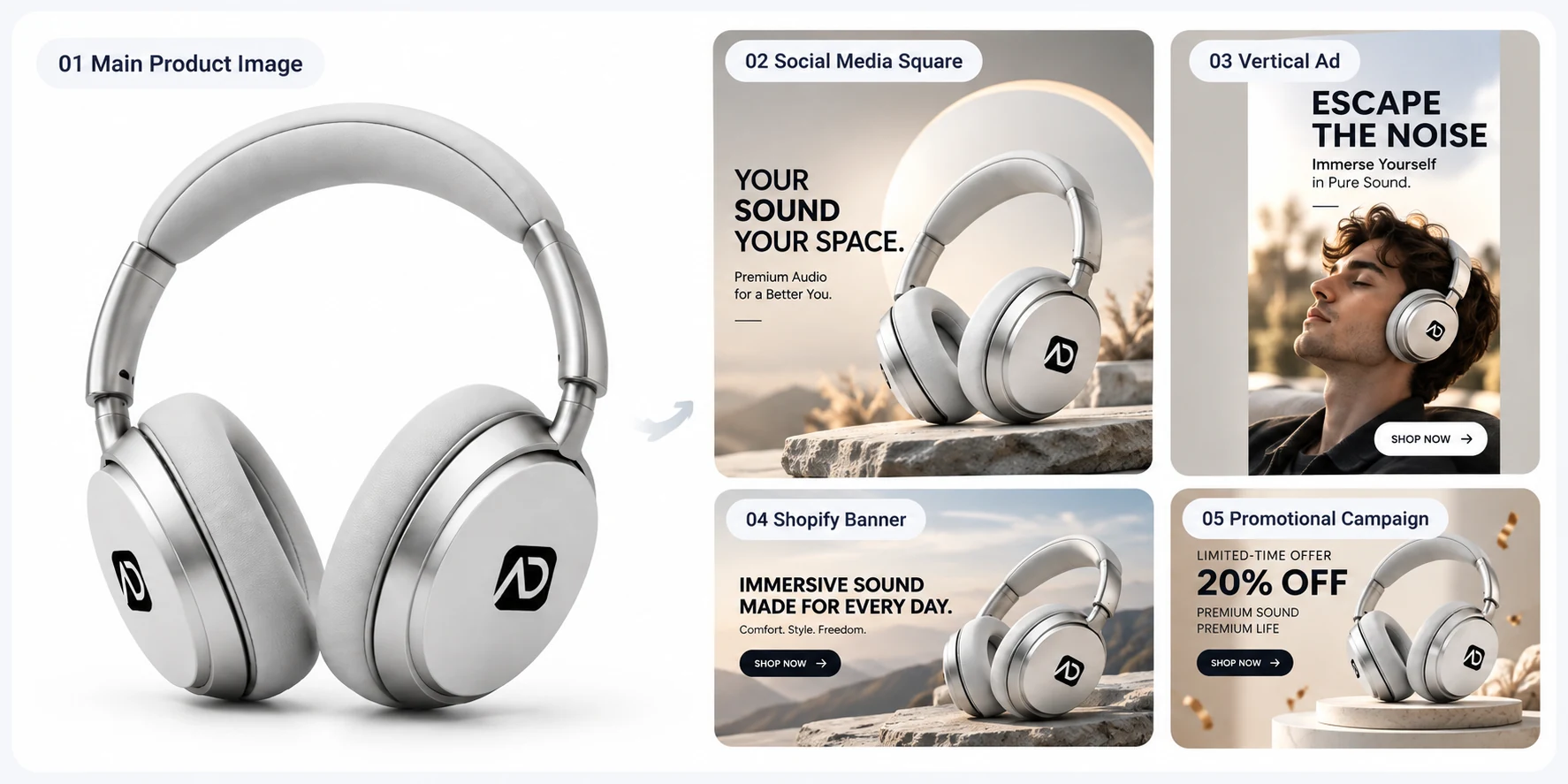
Short-form ad examples
Product facts
What the current workflow supports
- Inputs
- Product references, selling points, target model, language, and creative structure
- Planning output
- Shot-by-shot script, dialogue, subtitles, duration, and visual actions
- Model choice
- Select from the one-click compatible video models
- Plan cost
- The current one-click viral scheme starts at 20 credits before final generation
How it works
From brief to usable creative
- 01
Describe the product truth
Add the product references, product name, confirmed selling points, and any claims the script must not make.
- 02
Choose the creative direction
Select the target model, language, aspect ratio, output resolution, duration, and creative structure for the ad.
- 03
Edit the plan before generation
Review and edit each shot's visual action, dialogue, and subtitles, then submit the chosen model for final rendering.
Use cases
Where this workflow fits
- TikTok product ads
- Reels and Shorts concepts
- UGC-style product demonstrations
- Before-and-after product narratives
- Multi-language campaign testing
Review before publishing
Important limitations
- A viral result is not guaranteed; the workflow provides a structured creative starting point.
- Scripted product claims must be checked against the actual product and applicable ad policies.
- Duration, audio, people, subtitles, and resolution support varies by selected model.
Frequently asked questions
AI One-Click Viral Ad Generator FAQ
What does one-click viral ad generation create?
It creates an editable short-form ad concept with shot-by-shot visuals, dialogue or voiceover, subtitles, timing, and a generation plan.
Can I edit the generated script before rendering?
Yes. The review step lets you edit shot dialogue, voiceover, subtitles, and visual direction before submitting the final video generation.
Can I choose the target language?
Yes. The video workspace includes a target language setting for dialogue, voiceover, subtitles, on-screen copy, and calls to action where supported by the workflow.
How much does the one-click plan cost?
The current one-click viral scheme uses 20 credits for the planning step. Final video generation uses the selected model's duration and resolution credit cost.